Securely archive emails in German data centers
Email archiving in the cloud – 100% Made in Germany














Legally Compliant Email Archiving in the Cloud
REDDOXX Cloud Archive handles legally compliant email archiving for you—entirely in the cloud and without the need for your own infrastructure. No headaches from complicated IT infrastructures. Just peace of mind and security. With our cloud solution, email archiving becomes a breeze. GoBD-compliant and requiring no technical effort—for absolute security and to take the strain off your IT department. And thanks to powerful search capabilities, you can find any email in a matter of seconds.

You don’t need any local hardware or your own storage infrastructure – everything runs in the REDDOXX cloud.

Archived emails can be removed from the productive mailbox – saves memory, speeds up the mail server and reduces backup times.

Whether via web browser, tablet or smartphone: your archived emails can be accessed from anywhere – securely and encrypted.

As a German company, we naturally host and provide support here on site – in German data centers during German working hours.

Whether Microsoft 365, local Exchange Server or others: The Cloud Archive can be flexibly connected to almost any environment.

MailDepot ensures legally compliant archiving and meets all relevant requirements for retention and traceability.
Are you or your customers currently using Securepoint’s UMA solution and want to switch to the REDDOXX Cloud?
To the instructionsWhat features does REDDOXX Cloud Email Archiving offer?
Cloud Archive offers everything businesses need for efficient, secure, and compliant email archiving, making email management noticeably easier. From full-text search to seamless integration with existing IT systems, Cloud Archive is a powerful, modular solution that grows with your needs.
Audit-proof, automatic archiving for all mail servers
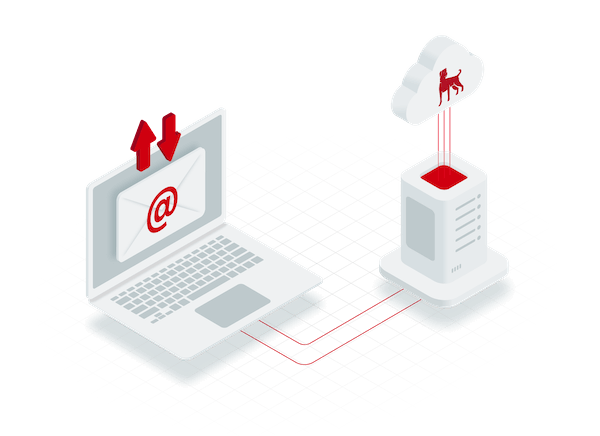
With REDDOXX Cloud Archive, you can meet all requirements for legally compliant email archiving—without any manual intervention. Every incoming and outgoing email is archived in its entirety and in an unalterable format—regardless of the mail server or cloud service used.
Archiving is performed via journaling: All emails are captured directly at the mail server level and transferred to the archive before they reach the inbox. Each archived message is assigned a hash value that makes any subsequent changes detectable. This ensures complete integrity and protection against tampering.
And best of all: In addition to ongoing archiving, you can also import existing data sets such as PST files or server databases. Archiving runs entirely in the background, frees up space in your mailboxes, and requires no additional software or IT resources.
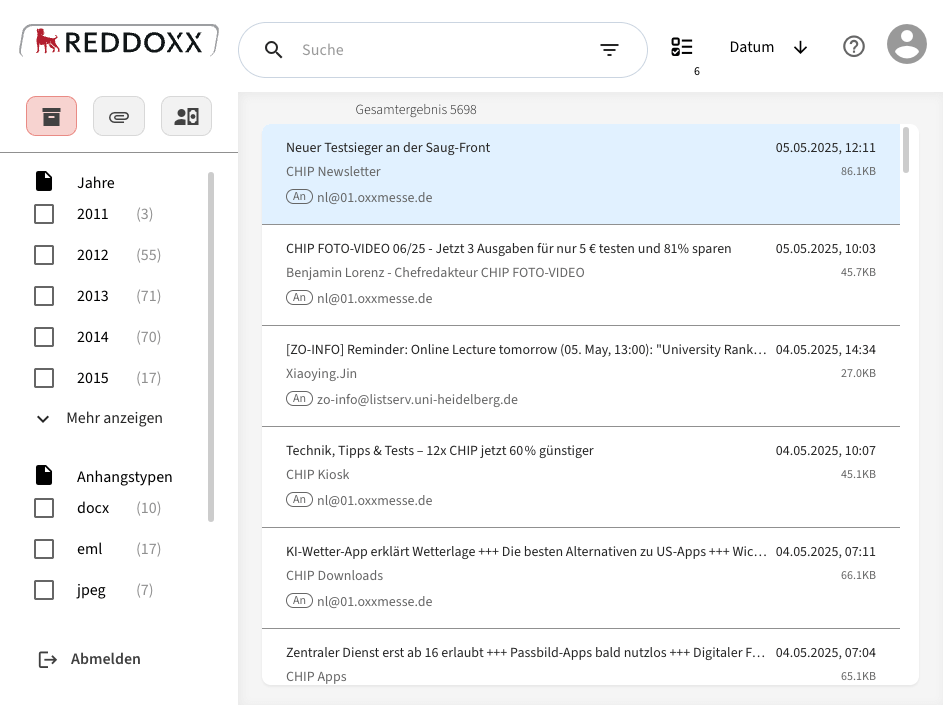
Full text search across all emails and attachments
Thanks to intelligent full-text indexing, you can find any archived email in a matter of seconds—even among millions of messages. REDDOXX Cloud Archive searches not only the email content but also all text-based attachments, such as PDFs, Word files, and other documents.
And the best part: With just two clicks, you can filter out exactly the email you’re looking for—even years later and even if the employees are no longer with the company.
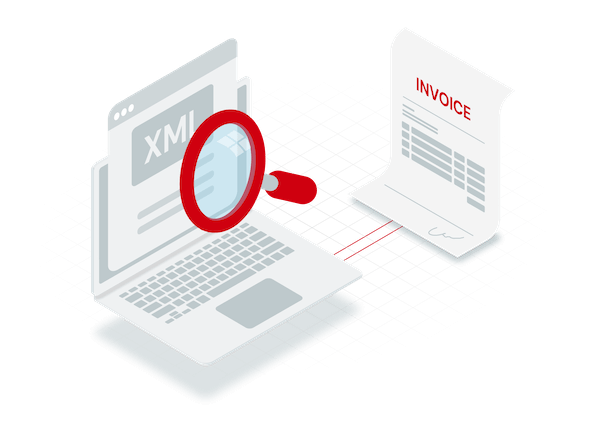
Search e-invoices automatically and visualize XML
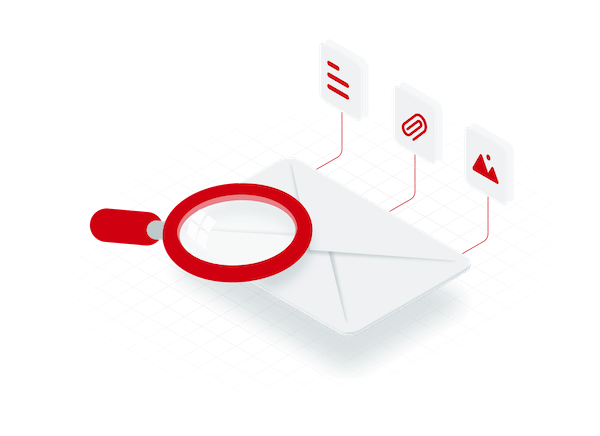
REDDOXX Cloud Archive automatically recognizes structured e-invoices in ZUGFeRD or XRechnung format and processes the XML data they contain with exceptional ease:
A specialized search interface allows you to filter and locate specific e-invoices—including a visual representation of the XML data.
And best of all: You always have a clear overview of your digital incoming invoices—organized, searchable, and easily accessible right in the archive. REDDOXX’s e-invoicing solution offers even more options for archiving electronic invoices.
But our cloud archiving can do even more!
In addition to audit-compliant archiving, REDDOXX Cloud Archive offers a wide range of features that make your email management more efficient, transparent, and future-proof—regardless of your company’s size or IT infrastructure. For even more comprehensive protection, the Cloud Archive can be combined with the REDDOXX email encryption solution.
Automatically archive all incoming and outgoing emails from Microsoft 365 without add-ons or local installation – including synchronization of users, groups and email addresses.
Store emails long-term without having to use expensive Microsoft archiving options—including full data sovereignty, which enables future migrations.
All emails are of course stored encrypted on our servers – GDPR-compliant and protected against unauthorized access.
Keep track of the number of saved emails, the deduplication rate and storage savings, as well as monthly and daily statistics at all times.
The Cloud Archive grows with you – regardless of whether you are an individual law firm or a group with thousands of mailboxes.
Set legally compliant deadlines for different users, groups or email types.
Existing emails and PST files can be easily transferred – for centralized access to all historical emails.
How secure is email archiving in the cloud?
REDDOXX Cloud Archive is operated exclusively in ISO 27001-certified data centers in Germany. All archived emails are stored encrypted with AES-256, and data is transmitted via TLS-secured connections. Compliance-related activities and accesses during audit sessions are logged in the compliance log in a tamper-proof manner. This makes it possible to trace who viewed which email and when during tax audits or internal audits.
Who is cloud archiving suitable for?
The REDDOXX Cloud Archive is aimed at companies and organizations that want to archive emails in compliance with the law without having to operate servers or software themselves. Whether you are a small law firm, a growing medium-sized company or a larger organization, the system adapts to your requirements and grows with you. For companies that prefer to keep their archived data on their own infrastructure, REDDOXX offers MailDepot, an email archiving software solution that runs on-premises.
Ideal for law firms, medical practices, agencies, or startups: In Microsoft 365 environments, Cloud Archive can be set up in less than three minutes. Archive emails in compliance with legal requirements—without needing your own servers and with minimal IT effort.
Take the pressure off your IT department, reduce storage demands, and comply with legal requirements—without any hardware investments or maintenance costs.
Central control, role-based access, full scalability: REDDOXX Cloud Archive remains clear and performant even with thousands of mailboxes.
Offer your customers a highly available archiving solution as a managed service—low-maintenance and multi-tenant.
How email archiving in the cloud works
REDDOXX Cloud Archive is operated entirely as a service—you don’t need any on-premises hardware, don’t have to handle maintenance yourself, and don’t need any specialized knowledge. Setup takes just a few steps, after which archiving runs fully automatically in the background.
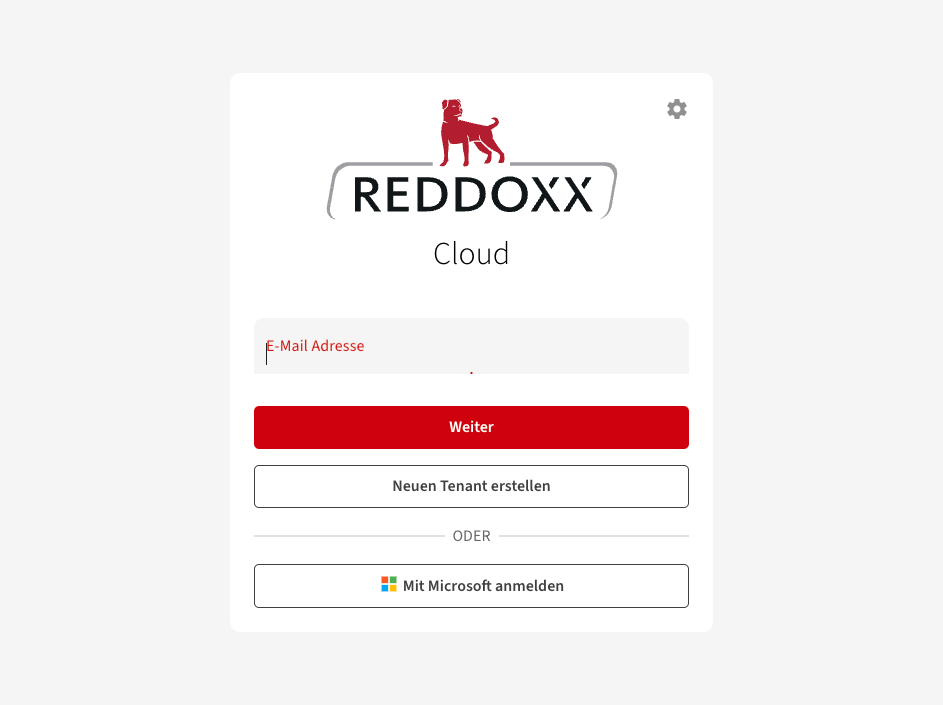
1. set up registration and access
After registering, you will receive access to your protected cloud archive. Management is completely web-based without additional software or complex configuration.
Depending on your preference, you can set up the cloud yourself or have your IT service provider guide you through the setup process—including user management and assigning permissions.
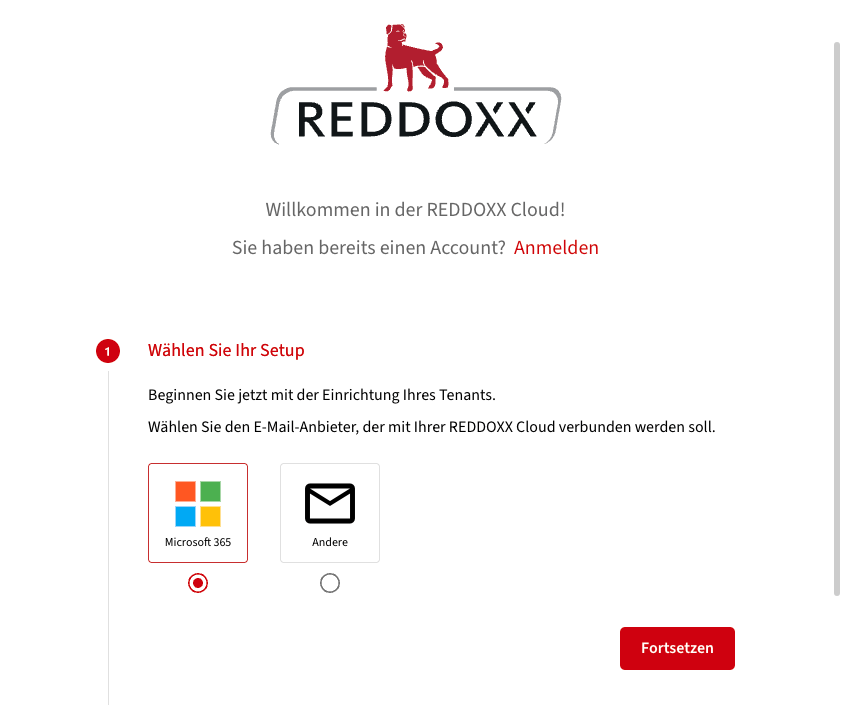
2. connection to your mail system
The REDDOXX Cloud Archive is compatible with all common email systems, including Microsoft 365, local Exchange servers and many more. The connection is made via journaling or SMTP forwarding.
Hybrid environments or migrations can also be easily mapped. In addition, existing mail archives (e.g. PST files) can be imported to ensure a complete archive inventory.
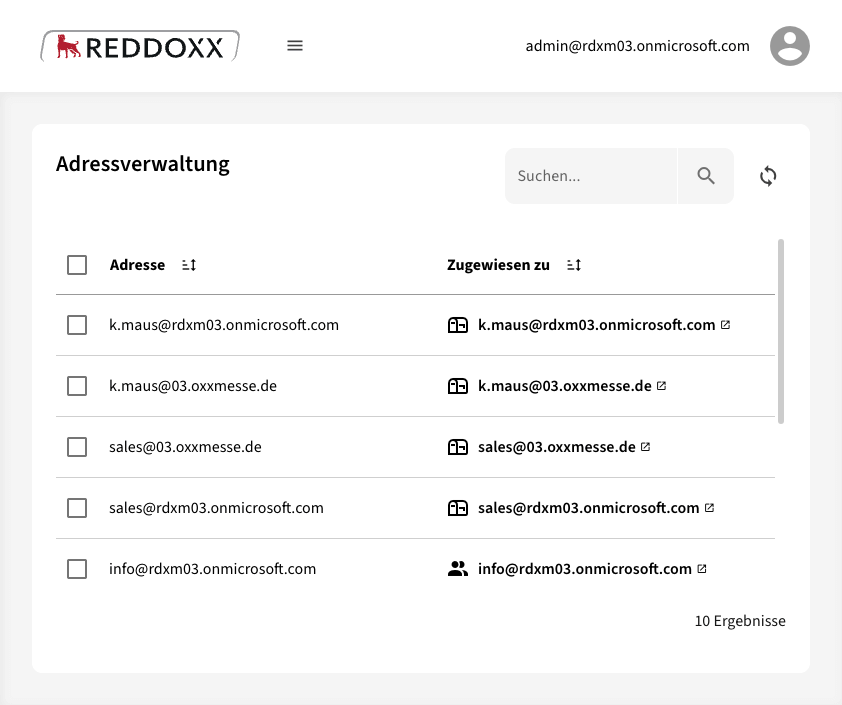
3. synchronization of users and e-mail addresses
Integration with Microsoft 365 is particularly convenient: All users, groups, and mailboxes are automatically detected and kept in sync via a secure OAuth connection.
The REDDOXX Cloud Connector is available for local environments. It is installed on a local system and regularly synchronizes user information—including groups and email addresses—from Active Directory to the cloud in an encrypted format.
4. access and administration in the web portal
Authorized users and administrators can access, search or restore archived emails at any time via the central web interface.
E-invoices are automatically recognized and opened via a special search mask.
Retention policies and deletion periods can be configured granularly – in line with the GoBD and GDPR.
How much does cloud-based email archiving cost?
REDDOXX Cloud Archive is licensed per user per month, not per mailbox. A user can archive multiple mailboxes at no additional cost. There are no hidden setup fees and no hardware investments required.
Price per user / month
3.50 €
- 15 GB archive storage per user included
- Additional storage space can be booked
- Monthly billing
Tip: Save 2 months with annual payment
No. REDDOXX Cloud Archive is a fully cloud-based archiving solution; setup is done via the web—either on your own or, if you prefer, with the help of your IT service provider or our support team.
Existing MailStore archives can be exported and then imported into REDDOXX Cloud Archive. REDDOXX Cloud Archive will then automatically continue to archive all incoming and outgoing emails. If you have any questions about the migration process, our support team or your IT service provider will be happy to assist you.
Yes, very well, in fact. Thanks to API-based synchronization, users, groups, and email addresses are automatically kept in sync without requiring any action on your part. Importing existing emails is also 100% automated.
Yes. The Cloud Archive works with on-premises Exchange servers, hybrid environments, and other email systems. It connects via journaling or SMTP forwarding. Archiving is completely independent of Microsoft licenses, so you don’t need expensive Microsoft archiving options.
Yes. In addition to Microsoft 365, the solution also supports on-premises mail servers such as Microsoft Exchange, as well as hybrid environments. Archiving takes place on the server—it is audit-compliant, encrypted, and automated.
Yes. Using the import feature, you can transfer existing data (such as PST files, emails from the mail server database, or other archives) to the Cloud Archive—ideal for migrations or for completing your email collection.
The REDDOXX Cloud is 100% Made in Germany. As a provider of cloud-based email archiving, we host our services exclusively in ISO 27001-certified German data centers. All emails are stored in AES-256-encrypted form, and data is transmitted via TLS-secured connections.
In Microsoft 365 environments, as an administrator, you can grant the necessary permissions in less than three minutes. After that, archiving runs fully automatically in the background, without requiring any further configuration or local software. For on-premises mail server environments, the REDDOXX Cloud Connector is available, which also makes setup straightforward.
No problem. Archiving runs independently of the mail system. Even if you change the server or migrate from/to Microsoft 365, the archive remains intact and searchable.